


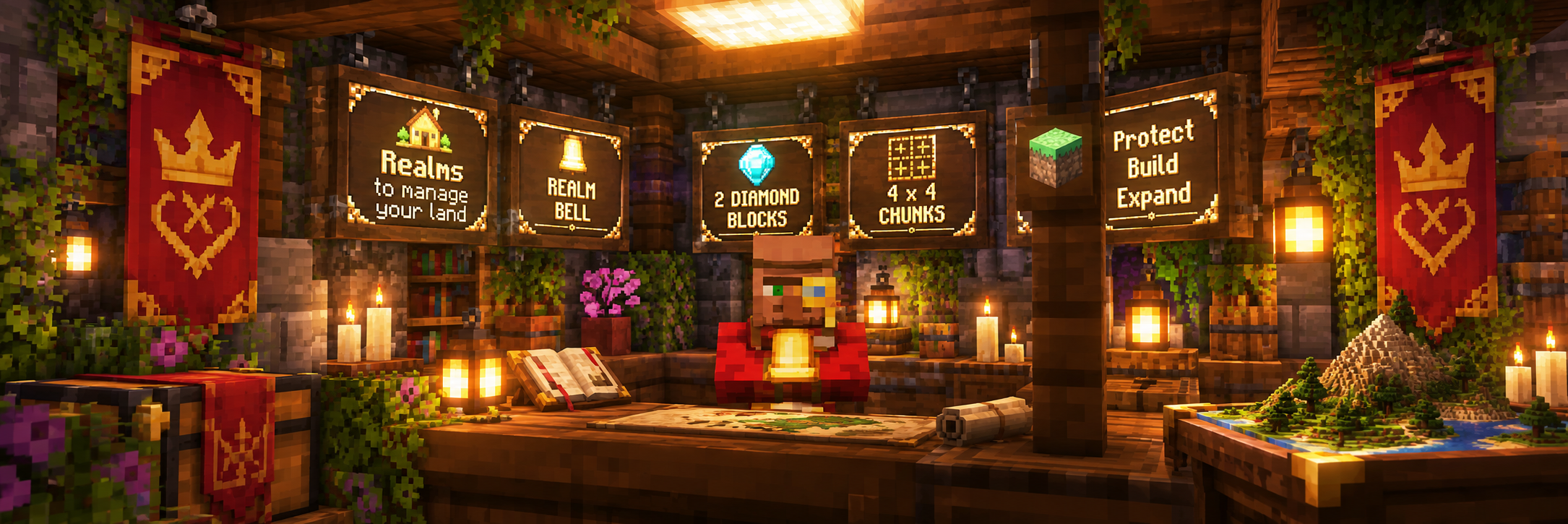
🏰 Realms – Claim & Protect Your Land
Welcome to Realms, MCPlanet's own land-claim and protection system.
Realms allow you to claim your own area of the world and protect your home, base, shops and other creations from unwanted building or damage.
Once you've created a Realm, you can manage everything through a simple in-game menu using:
/realms
From there you can manage members, protection settings, Realm tax, your welcome message, map visibility and more.
🔔 Getting a Realm Bell
To create a Realm, you'll first need a Realm Bell.
Realm Bells can be purchased from the Realm Master at Spawn for:
💎 2 Diamond Blocks
Each Realm Bell claims:
4 × 4 chunks — 16 chunks total
That's an area measuring 64 × 64 blocks, protected from the bottom of the world all the way to the top.
Think of each Realm Bell as the heart of a 4×4 section of your Realm.
🏡 Creating Your Realm
Creating your first Realm is simple:
- Purchase a Realm Bell from the Realm Master at Spawn.
- Travel to the location you want to claim.
- Place your Realm Bell.
- A 4×4 chunk area will be claimed and protected around it.
- Use
/realmsto customise and manage your new Realm.
Realm Bells cannot be used to claim land already belonging to another player or areas protected by the server.
➕ Extending Your Realm
Need more space? You can expand an existing Realm using additional Realm Bells.
Purchase another Realm Bell and place it outside your existing Realm near one of its boundaries.
MCP-Realms will detect your nearby Realm and add another complete:
4 × 4 chunks — 16 additional chunks
The new section aligns with your Realm's existing claim grid, meaning every Bell you purchase gives you the full 16 chunks you paid for.
Your expanded area remains part of the same Realm — it doesn't create a second Realm. It keeps the same name, owner, members and settings.
🔔 Important: Removing an expansion Realm Bell releases the section of land associated with that Bell. It does not delete your entire Realm.
⚙️ Managing Your Realm
Use:
/realms
to open My Realms.
Select a Realm to access its management options.
From here you can manage features including:
- 🏠 Realm Information — View your Realm's owner, size, Bell count, creation date and other information.
- ✏️ Realm Name — Give your Realm its own custom name.
- 👥 Members — Add or remove trusted players.
- ⚙️ Realm Flags — Control features such as PvP, TNT, fire spread, mob spawning and visitor interaction.
- 💬 Realm MOTD — Create a custom message shown to players when they enter your Realm.
- 🟢 Boundary Visualiser — Display your Realm boundary in-game using particles.
- 🌍 BlueMap Visibility — Choose whether your Realm is displayed on the MCPlanet live map.
- 👣 Visitor Log — View players who have visited your Realm.
- 💎 Realm Tax — Add time to your Realm to keep your land protected.
- 🤝 Sell / Transfer — Transfer ownership of your Realm to another player.
- 🗑️ Realm Management — Manage or remove your Realm.
👥 Realm Members
You can allow other players to build and interact inside your Realm by adding them as Realm Members.
Members are trusted players, so only add people you are comfortable allowing access to your protected land.
Players who aren't members remain visitors and are restricted by your Realm's protection settings.
🚪 Visitor Interaction
You can decide whether visitors are allowed to interact with everyday objects inside your Realm.
When enabled, visitors can use appropriate things such as doors, buttons, levers, gates and crafting stations while your valuable storage remains protected.
This lets you create places such as shops, public buildings and community areas without giving visitors full building access.
🛡️ Realm Protection & Settings
Your Realm isn't just protected from block breaking.
Realm settings allow you to control how your land behaves, including:
PvP • TNT • Fire Spread • Mob Spawning • Visitor Interaction
This means different Realms can be configured for different purposes.
A peaceful home might disable PvP and TNT, while another Realm could be configured completely differently.
Your Realm. Your rules.
💬 Realm MOTD
Every Realm can have its own Message of the Day.
When enabled, visitors entering your Realm will see your custom message.
For example:
Welcome to Castle Connron! Please shut the gates behind you.
The message appears when entering the Realm rather than when moving between individual claimed chunks, keeping chat clean.
You can change or disable your MOTD through the Realm Information menu.
🟢 Realm Boundary Visualiser
Not sure exactly where your Realm ends?
Enable the Boundary Visualiser from your Realm menu to display the edge of your protected land using particles.
This makes it much easier to plan walls, fences, buildings and future Realm expansions.
🌍 BlueMap
Realm owners can choose whether their Realm appears on the MCPlanet Live Map.
When enabled, your claimed chunks are displayed as a Realm area on BlueMap.
If you'd rather keep your location private, simply disable BlueMap Visibility from your Realm menu.
💎 Realm Tax
Realms must remain active to continue protecting land.
From the Realm Tax menu you can deposit the required Realm currency to add additional protection time.
The menu shows your current expiry and how much additional time your payment will provide before you confirm it.
Keep an eye on your Realm's remaining time — if a Realm expires, its land is released and is no longer protected.
🤝 Selling or Transferring a Realm
You don't have to destroy a Realm if you no longer want it.
Realms can be sold or transferred to another player.
The trade system allows both players to agree to the transfer and lets the buyer offer Minecraft items in exchange.
Once completed, ownership of the Realm changes while the Realm itself remains intact.
🛡️ Protected Server Areas
Some areas of MCPlanet — such as Spawn and other staff-protected locations — cannot be claimed.
MCP-Realms automatically prevents Realm Bells from creating or expanding claims into protected server areas.
If your Bell would overlap one of these locations, the Realm will not be created or expanded.
💡 A Few Things to Remember
- 🔔 One Realm Bell provides 16 chunks.
- ➕ Additional Bells can add another 16 chunks to an existing Realm.
- 📐 Expansions follow the Realm's existing 4×4 chunk grid.
- 👥 Only add players you trust as Realm Members.
- 💎 Keep your Realm Tax topped up so your land doesn't expire.
- 🟢 Use the Boundary Visualiser when planning builds or expansions.
- 🌍 BlueMap visibility can be enabled or disabled by the Realm owner.
- 🏰 Use
/realmswhenever you need to manage your land.
❓ Need Help?
If you're unsure how to use Realms, something isn't behaving as expected, or you need help managing your land, contact the MCPlanet Staff Team.
We'll be happy to help.